iPhone & iPad
- Open johntogetherstrong.com in Safari.
- Tap the Share button (square with an up-arrow).
- Tap “Add to Home Screen.”
A real app icon lands on your home screen — opens full-screen, no browser bars.
🎉 A version in the Apple App Store is on the way.
🤖 Android
Live on Google Play now. Point your phone camera at this to install:
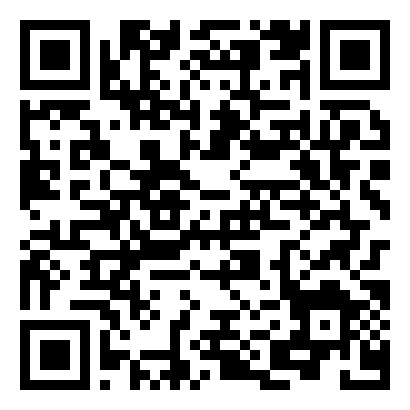
Scan or tap → Google Play → Install → the app’s on your phone.